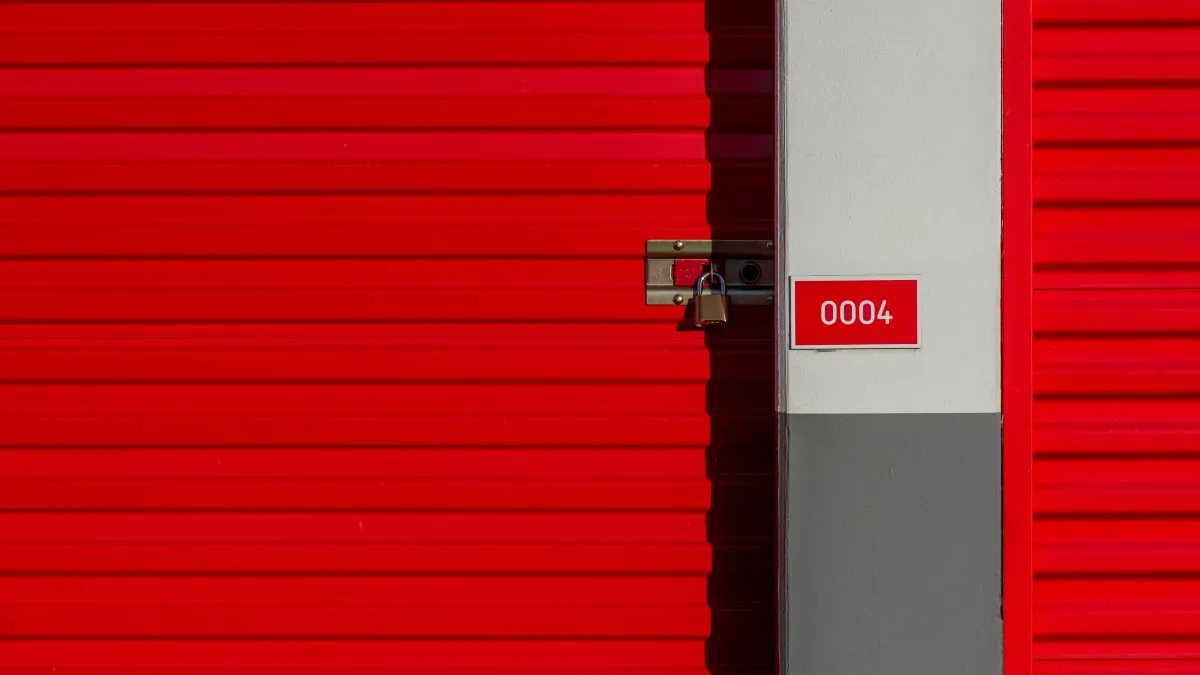
Stora integration: rent storage units on the phone
Connect Voco to Stora and callers can choose a unit, reserve it and pay by text link before they hang up. Included on every Voco account.
The Voco Stora integration connects your AI receptionist to Stora, the self storage management software. When someone rings about a unit, Voco reads your sites, sizes and prices from Stora, reserves the unit, and texts the caller a Stora payment link while they are still on the phone. When they pay, the booking is confirmed in Stora and on the call.
What happens on a call
Voco answers. Day or night, including evenings, weekends and the moments your counter is busy with a walk-in.
It finds the right site. If you run more than one facility, Voco asks which one suits the caller, using the town, the street and the access hours held in Stora.
It works out the size. Callers rarely know square footage. Voco asks what they are storing, then suggests a unit from the sizes you have on sale.
It quotes your price. The price comes from your Stora catalogue, so the caller hears the same figure they would see on your website.
It reserves the unit and texts a payment link. Voco creates the order in Stora and sends the caller your Stora payment link by text. If the text cannot be sent, Stora emails the link instead.
It confirms payment. When Stora reports the order as paid, the booking shows as Paid in Voco and the caller can hear it confirmed.
What Voco reads and writes in Stora
Reads: your sites, addresses and access hours, the unit types you have on sale with their prices, and your contents protection options.
Writes: an order for the unit the caller chose, with their name and contact details, so it arrives in Stora like any other online booking.
Listens: Stora tells Voco straight away when a unit is taken or an order is paid, so Voco does not offer a unit that has just gone.
Built for how storage bookings go wrong
Prices and sizes stay current. Voco refreshes your catalogue every hour, and Stora's updates mark a unit as taken the moment it sells.
The last unit is not sold twice. A unit reserved on a Voco call is held for 30 minutes while the caller pays, and Voco counts those holds before it quotes anyone else.
Unpaid orders do not block stock. If a caller never uses the payment link, Voco closes the order after 24 hours so the unit goes back on sale.
Returning callers are recognised. Someone ringing back about a reservation is matched by their phone number. If they have lost the text, Voco resends the same link rather than creating a second order.
Bookings in web chat too. Visitors can book the same way in Voco's website chat, with the payment link placed in the conversation.
Every booking traces back to its call. The storage bookings page in your Voco dashboard lists each booking as Paid, Awaiting payment, Needs finishing or Closed, with the unit, the price, the site and a link to the conversation.
Calls that need a person still reach one. Lockouts, account questions and anything outside booking are taken down and passed to your team.
How to connect Stora to Voco
There is no coding involved and it takes a few minutes.
Create your Voco account. Start on pay as you go at 29p a minute with no monthly fee, or choose a monthly plan.
Open the Stora card. In your Voco dashboard go to Settings, then Integrations, and choose Stora.
Connect with Stora. Voco sends you to Stora to approve what it can see and do. Nothing changes on your Stora account until you approve.
Check your catalogue. Back in Voco you will see how many sites and sizes were found. Use Refresh units if you have just changed prices, and Test connection to confirm everything is working.
Point your calls at Voco. Forward your storage line to your Voco number, then ring it yourself and book a unit to hear the whole flow.
Troubleshooting
The Stora card says Needs attention. The connection has stopped working, usually because access was changed in Stora. Choose Reconnect with Stora and approve again.
Voco says it needs a permission. Your connection was approved before Voco asked for that access. Reconnect with Stora to grant it.
A size or price is missing. Check the unit is on sale in Stora, then choose Refresh units.
A booking shows Needs finishing. A caller wanted a unit and the order did not complete. The booking page shows the caller's details so your team can finish it.
Who it is for
Self storage operators on Stora who want every enquiry answered and booked, including out of hours and when the site team is busy. It adds a phone channel to your Stora online booking, it does not replace it. See how Voco works as an AI receptionist for self storage more broadly.
Pricing
The Stora integration is included on every Voco account at no extra cost. On pay as you go you pay 29p a minute, ex VAT, with no monthly fee and no contract. Monthly plans are also available if your calls are steady. Compare them on the pricing page.
Try it
Ring the Voco Stora demo line on 07401 057364 and try booking a unit the way your callers would, or start on pay as you go and connect Stora today.
Frequently asked questions
It lets Voco's AI receptionist take storage bookings on the phone. Voco reads your sites, sizes and prices from Stora, reserves the unit the caller chooses and texts them a Stora payment link during the call.
No. It is included on every Voco account. On pay as you go you pay 29p a minute, ex VAT, with no monthly fee, and monthly plans are also available.
In your Voco dashboard go to Settings, then Integrations, and choose Stora. Select Connect with Stora, approve access in Stora, and Voco pulls in your sites and sizes.
No. The caller pays through your own Stora payment link, sent by text. Voco never hears or stores card details.
The unit is held for 30 minutes while they pay. If the link is never used, Voco closes the order after 24 hours so the unit goes back on sale.
Voco refreshes your catalogue every hour and Stora tells Voco straight away when a unit is taken, so it only offers what is on sale. It also counts units already held on its own calls.
Yes. Voco asks which site suits the caller, using the town, street and access hours held in Stora, then quotes from that site's sizes.
Lockouts, account queries and anything else that needs a person are taken down and passed to your team, so nothing gets lost.
Stay in the loop
Get AI insights, product updates, and practical tips to help your business grow.