The short answer
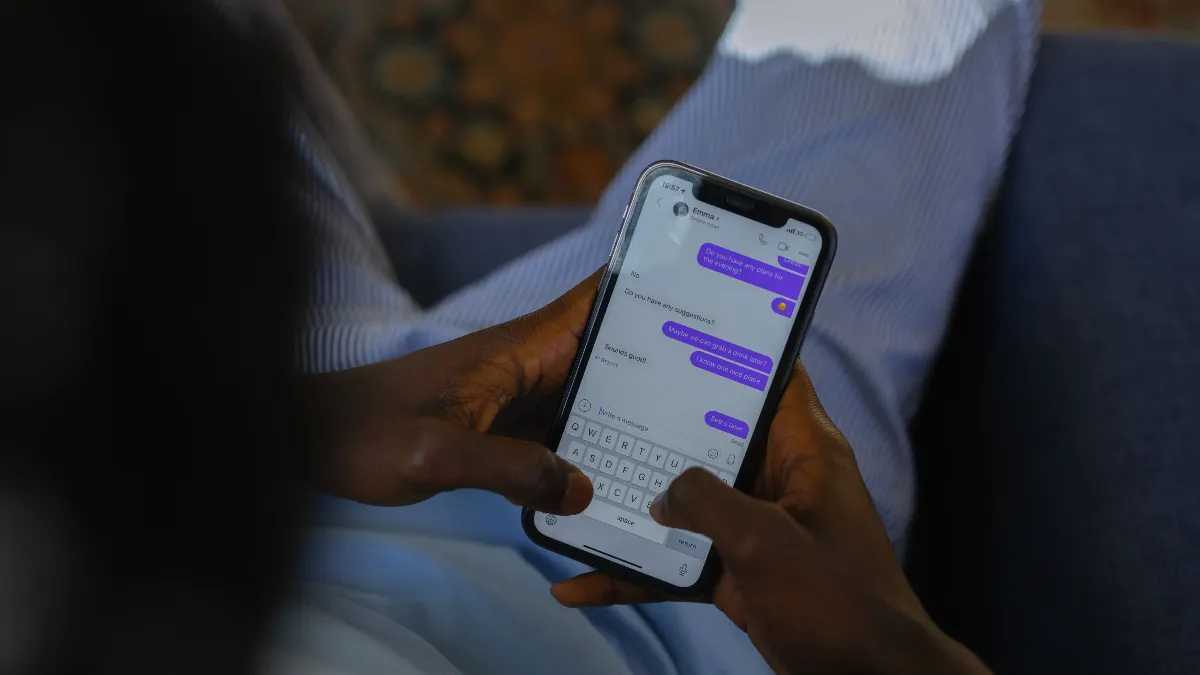
Rightmove and Zoopla enquiries reach most agencies as emails, and they arrive while your team is out on viewings. Applicants usually contact several agents about the same property, so the first useful reply often wins the viewing. Forward your enquiries inbox to Voco and each email is read and filed against the applicant. If it is an enquiry, it gets a drafted reply that checks your property list for the real rent and availability. You read it, tap send, and the enquiry moves onto your Lettings board.
Why do portal emails go cold?
A portal enquiry is often a single line: "Is this still available? When can I view?" It is easy to answer and easy to leave, because the person who could answer it is in a car between viewings. By the time someone gets to the inbox, the applicant has heard back from another agent and booked there. It is the email version of the calls agencies miss at their busiest moments.
The problem is rarely effort. It is that a good reply needs three things at once: the right property, its current details, and a way to book. Doing that twenty times an afternoon from a phone is where replies slip to tomorrow.
How does Voco handle portal email enquiries?
- Forward your enquiries inbox. Voco gives you a forwarding address. You keep your email provider and set it to forward either everything or one address, such as lettings@. There are set-up guides for Gmail, Outlook and Microsoft 365, Zoho Mail and website forms. If Gmail sends a confirmation email first, Voco shows it to you so forwarding starts first time.
- Voco sorts each email. Every message goes into one of six groups: enquiry, booking, complaint, supplier, spam or other. Auto-replies, bounces and mailing lists are ignored.
- Voco drafts the reply. For an enquiry, a booking or a complaint, Voco writes a reply from your own information. For lettings it can look the property up in your list, so the reply says the rent, whether bills are included, and when it is available.
- You send it. One tap, from your agency's name with your own address as reply-to, or from your own domain once it is verified.
When an enquiry form puts the applicant's address in the reply-to, as enquiry emails usually do, Voco treats the applicant as the customer rather than the form that sent it. That way the reply goes to the person, not to a no-reply address.
What a good draft looks like
Say an applicant asks whether the two-bed on Linthorpe Road is still available. A useful reply answers the question, gives the facts and offers the next step:
"Hi Sam, thanks for your enquiry. The two-bed flat on Linthorpe Road is still available, from 1 December. It's £850 a month with bills on top, unfurnished, and the deposit is £980. Viewings run on Tuesday and Thursday afternoons. Reply with a time that suits, or ring us and we'll book it while you're on the phone."
If the property has gone under offer, the draft says so and suggests what else you have. If the email is a complaint, the draft is written carefully and flagged for you to check before anything goes out.
A reply standard for your agency
Whether a person or Voco writes the first draft, every enquiry reply should do the same four things. Agreeing them once makes every draft easier to check.
- Answer the question asked. If they asked whether it is available, the first sentence says whether it is.
- Give the facts that decide a viewing. Rent, bills, deposit, available from, pets.
- Offer one clear next step. A time, a link or a number to ring, not three options.
- Sign it from a person or the agency, not from a portal.
Voco's drafts are written from your own information, so the more complete your property list and business details, the closer the first draft is to one you would send unchanged.
The emails that are not enquiries
A lettings inbox is not only applicants. Contractors confirm jobs, suppliers send invoices, landlords write in, and spam arrives all day. Sorting matters as much as drafting:
- Supplier emails are filed without a draft, so they stay out of the applicant queue.
- Spam is filed out of the way.
- Complaints get a careful draft that waits for you, and never go out on their own.
- Anything else is filed as other, for you to look at.
Where the enquiry goes next
Each email is filed on the applicant's record, next to any calls, chats and bookings from the same person. If they ring tomorrow, the record already holds what they asked.
Emails about renting also land as cards on your Lettings board under Enquired, with the property attached. From there you can have Voco text new enquirers a link to book a viewing as soon as the card lands with a property chosen and a mobile number. That is set to ask you first, so nothing goes out until you are happy with it.
Things to know before you start
- It is not a portal integration. Voco reads the emails the portals send you. You do not need a Rightmove or Zoopla feed, and nothing changes on your portal account.
- Drafts wait for you by default. You can switch on automatic sending later, but most agencies start by reading every draft for a couple of weeks.
- The draft does not book. It invites the applicant to book. Booking happens on a call, in website chat or from the property's booking link.
- There is a daily cap of 200 inbound emails per business, well above a normal lettings inbox.
Setting it up
Forwarding takes a few minutes. Before you switch it on, make sure your property list is up to date, because the drafts are only as good as the records behind them. Then forward a recent portal enquiry to yourself and through to Voco, and read the draft it produces.
An email conversation is charged like a website chat conversation, from the same included conversations first. Calls cost about 29p a minute with no monthly fee and no contract. More on how sorting and drafting work is on the email inbox page. For how properties are set up, see can an AI receptionist answer questions about my properties?, and for the whole lettings week, an overview of AI for letting agents.
Prefer to hear it on a call? Ring the property demo.